
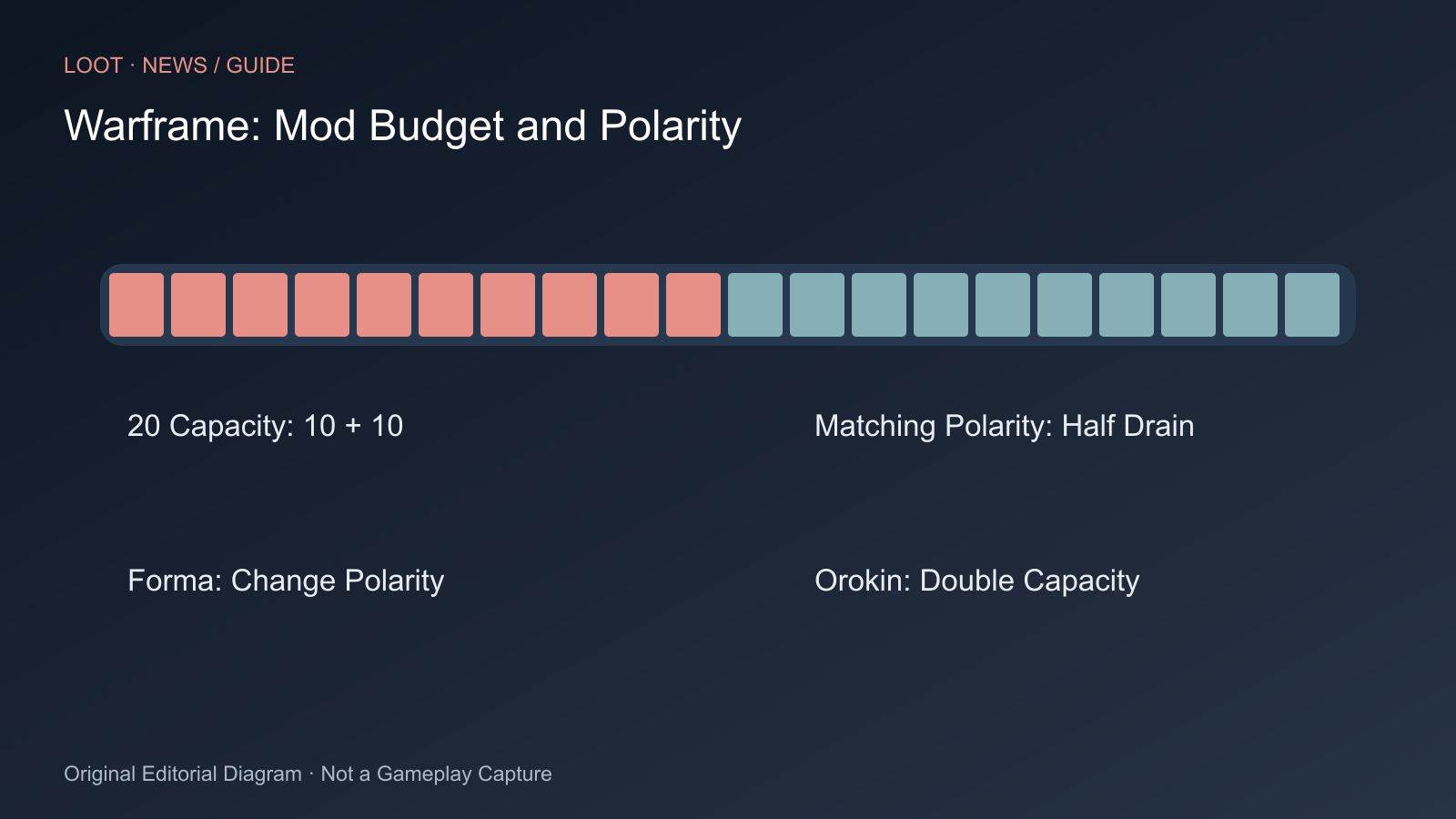
Mods improve weapons and Warframes but must fit the available capacity budget. In the Arsenal, open the equipment and select Upgrade. This displays total capacity, installed mods and each mod’s costs at the top right of its card.
Total Drain cannot exceed capacity. If an item has twenty capacity and you install two ten-cost mods, the budget is spent. Additional empty slots do not change that.
Check Polarity First
Compare the symbol beside Drain with the slot symbol. Matching polarity halves the requirement, rounding upwards. A fourteen-cost mod uses seven capacity; a nine-cost mod uses five. According to official mod help, a wrong symbol increases costs by twenty-five percent. A neutral slot is therefore often better than an incorrectly polarised one.
Matching costs are shown in green. Before confirming, rely on actual displayed totals, especially for special mods. Aura and Stance slots have their own capacity effects; do not treat them as ordinary slots.
Upgrade Mods Without Breaking the Build
At the Orbiter’s Mods terminal, select Fusion to upgrade a mod. Higher ranks improve effects but usually increase Drain. A mod fitting before the upgrade may become too expensive afterwards.
- Check remaining capacity in the Arsenal.
- Compare the desired rank and costs before confirming Fusion.
- Return to the affected loadout and verify that all intended mods still fit.
- Move mods to matching polarities or reduce another capacity requirement before investing more resources.
You do not need a separate copy of the same mod for every piece of equipment. Official help permits one copy in multiple eligible items simultaneously. A slot-budget problem therefore does not automatically mean missing duplicates.
Distinguish Forma From Doubling Capacity
Forma changes a slot’s polarity. In Upgrade, select Actions, then Polarization, then symbol and slot. Normal polarisation resets relevant equipment to Unranked; plan the required reranking. It does not double total capacity.
Orokin Catalyst and Orokin Reactor have another purpose: permanently doubling mod capacity for the appropriate equipment type. Catalyst is for weapons; Reactor covers Warframes, Necramechs, Archwings and Companions, among others. In Upgrade, use Actions and Upgrade.
| Problem | Approach |
|---|---|
| Costs too high despite free slots | Compare total capacity and Drain |
| Mod costs more in the slot than on its card | Check mismatched polarity |
| Matching slot missing | Consider Forma and reranking consequences |
| Total budget needs to grow | Use the matching Orokin Catalyst or Reactor |
| Build no longer fits after Fusion | Check new rank costs and all affected loadouts |
Better capacity use does not yet establish the best endgame build. Damage types, survivability, enemies and mod synergies require a separate question. This guide first solves the budget problem preventing a build’s implementation.
Sources
Cover Image Source: www.warframe.com

Comments