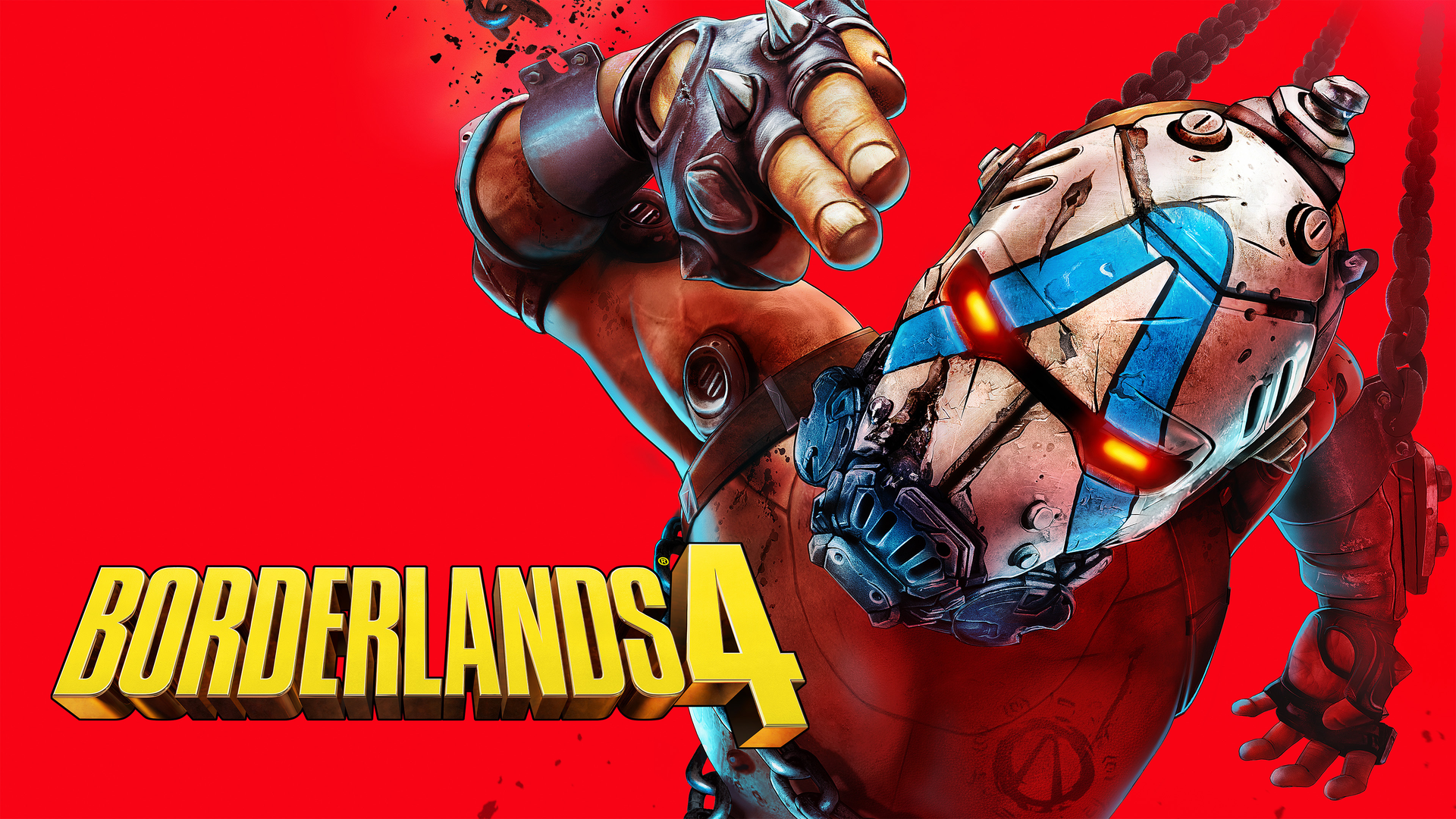
Borderlands 4 supports online co-op for up to four players. To play across platforms, you need an internet connection and a SHiFT Account linked to the platform account you use for the game. Console online play also requires a separate paid subscription.
Set up your account and party first, then check every member's Personal Crossplay setting. Once your friends have joined, choose an available matchmaking playlist.
Link SHiFT and Invite Friends
Create a free account on the official Gearbox SHiFT site using email or a platform account. Sign in, open Gaming Platforms, and select Sign In for the platform account you use to play Borderlands 4.
In the game's main menu, open Session Settings and choose a Party Privacy option: Friends Only, Invite Only, Public or Local Only. To add someone on another platform, open SHiFT, select Friends and search for their full SHiFT display name. Once added, they should appear under Friends in the upper-right of the main menu; add them to your party there.
- If a friend from your platform account is missing from the list, select the left-most button above the Party list and search for their platform username.
Enable Crossplay and Start Matchmaking
In Session Settings, check Personal Crossplay with everyone in the party. If any member turns it off, crossplay is disabled for the entire party for that session.
Open Matchmaking from the left side of the main menu or the button beside the Party list in the upper-right. Campaign matchmaking looks for missions near your progress. Ultimate Vault Hunter mode, Moxxi's Big Encore Runs and Weekly Wildcard missions become selectable only after you complete the campaign and unlock Ultimate Vault Hunter ranks. Choose an available playlist, then select Begin Matchmaking at the bottom-right.
If a Friend or Playlist Is Missing
If a cross-platform friend does not appear, check their full SHiFT display name and confirm that the platform accounts used to play are linked to SHiFT. If crossplay is unavailable for the party, have every member check Personal Crossplay in Session Settings.
If one of the three later playlists cannot be selected, check whether you have completed the campaign and unlocked Ultimate Vault Hunter ranks. For SHiFT account problems, use the Borderlands 4 section of 2K Support. Your SHiFT Support ID is on your SHiFT Profile page and is helpful to include in a support request.
Sources
Cover Image: Gearbox Software / 2K · newsroom.2k.com · borderlands.2k.com
Comments
No comments yet. Start the conversation.
Join the Community
Sign in or create a free account to comment. Comments are moderated.