
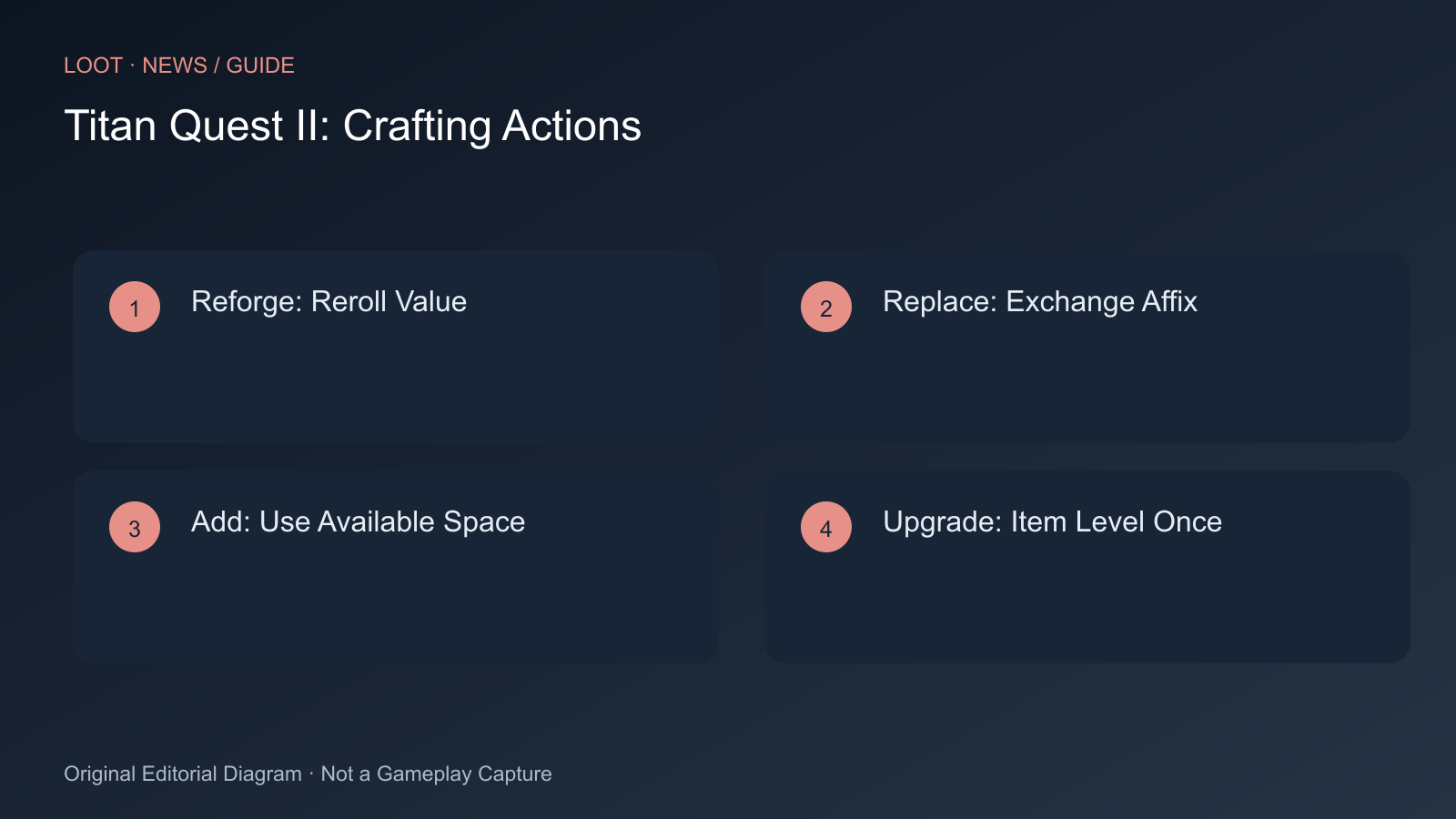
Titan Quest II crafting starts with a found item. You do not create entirely new equipment from a desired recipe. First check whether weapon type, base values and properties fit your play style. A good item with one poor affix differs from an unsuitable base with several wrong properties.
This guide explains the developer’s current Early Access system. A future Legendary upgrade is separate: the developer report discusses it as a later addition, rather than an available fifth standard action.
Which Action to Choose
| Action | Use | Limit |
|---|---|---|
| Reforge Affix | Reroll an existing property’s value | One affix per item; bounded value range |
| Replace Affix | Exchange an unsuitable property | One affix per item; permitted prefix or suffix pool |
| Add Affix | Add a missing property | Requires space; permitted affixes and higher starting costs |
| Upgrade Item Level | Raise base values and affix tiers once | One use; affix improvement has a ceiling |
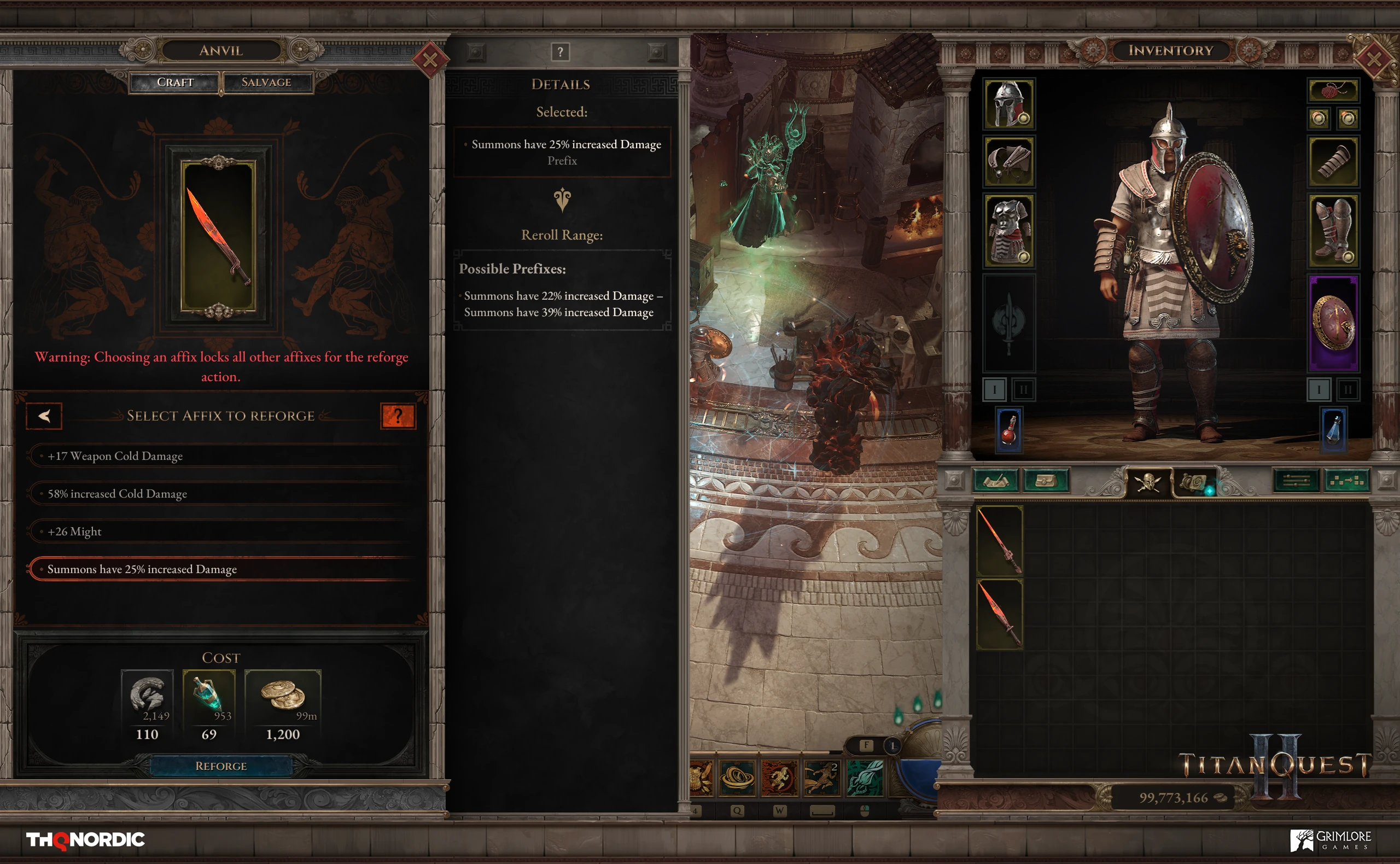
Choose Reforge when the property fits but its value is weak. The display shows the possible range. A useful new value may suffice; each further attempt costs more without guaranteeing the maximum.
Replace suits an otherwise appropriate item with one unusable property. Choose from its normal pool for that prefix or suffix. The system does not allow any desired bonus independently of base and affix type.
Add requires an item below its maximum affix count. It starts more expensively than early Reforge and needs Vital Flame. Check available spaces before spending materials. Add does not simply give a full item an extra slot.
Upgrade Item Level improves the base and affix tiers, including on Epic items. An early perfect item can remain useful longer but does not automatically match a later high-level drop’s affix quality. Since upgrading is once-only, “always wait until endgame” is not a system-guaranteed optimal strategy.
Steps for a Useful Attempt
- Compare the base with your play style and name the problem: weak value, wrong bonus, free slot or low item level.
- Select the matching action and check whether its item limit is reached.
- Read possible values or replacements and current gold and material costs.
- Make one attempt and compare with the original item.
- Recheck the next price. Do not repeat a costlier action automatically because you already paid for the previous attempt.
- Seek another base if further investment promises little benefit.
Where Materials Come From
| Material | Sources Named by the Developer |
|---|---|
| Crude Fragments | Enemies and salvaging all item types |
| Mystic Shards | Enemies and salvaging Magic items |
| Amplified Energy | Enemies and salvaging Rare items |
| Vital Flame | Stronger enemies, excluding bosses |
| Bound Essence | Stronger non-boss enemies and salvaging Infrequent items |
| Golden Spark | Salvaging Epic items |
Selling yields gold; salvaging yields resources. Advanced crafting needs both. Do not retain every unsuitable drop as a supposed crafting base, but avoid consuming every valuable material source for an early attempt.
A fixed cost list for every item would mislead: repetitions and action change requirements. The item’s displayed price is the final check before confirmation. If an action is missing, first inspect affix count, the already edited property and the once-only item-level upgrade.
Sources
Cover Image Source: steamstore-a.akamaihd.net
Comments